Template + Guide
NPC Dialogue Template with Branching Examples
This NPC dialogue template is for game writers who need a cleaner way to outline branching conversations, conditional lines, and voice consistency before the dialogue enters production.
Download the template, then use the walkthrough below to see what each section should contain and how to avoid brittle branch logic.
Who uses this
Narrative designers, quest writers, and teams handling branching conversations with state conditions.
Problem it solves
NPC dialogue breaks when writers draft lines before deciding what the conversation is for. This template puts intent and branch logic first, lines second.
Actual template
Section-by-section walkthrough
Section I
Conversation setup
Before writing lines, establish who can trigger the scene, why it happens now, and how it ends. That prevents disconnected or impossible branches.
Section II
Intent
Strong NPC dialogue comes from conflicting wants, not from random flavor lines. This block makes the dramatic purpose of the conversation visible.
Section III
Branches
Choice structure should show requirements and consequences beside the line, not in a separate implementation note that gets lost.
Section IV
Continuity notes
This is where you protect voice, reveal timing, and future quest dependencies from accidental contradictions.
In Talebuddy
How to use this in Talebuddy
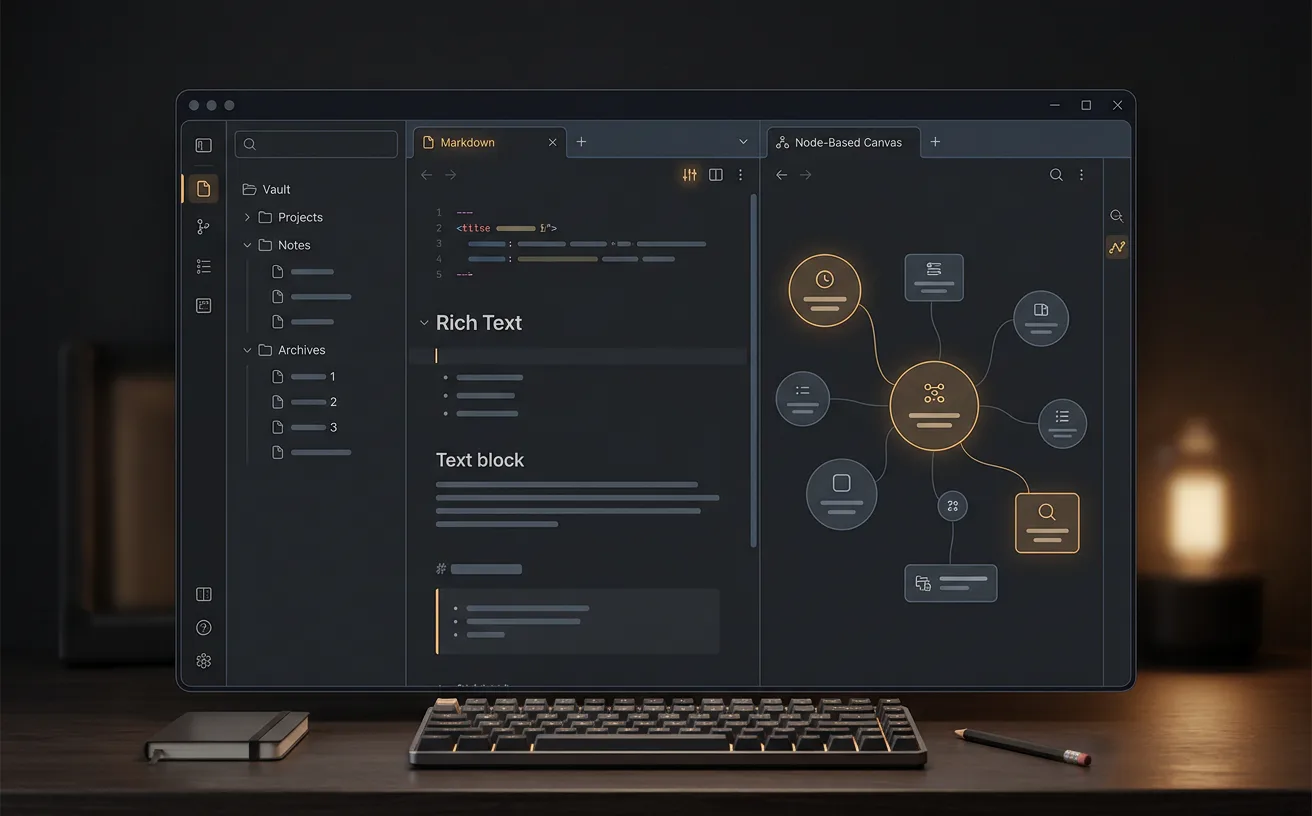
Use the template to shape the dialogue logic first, then draft and refine the actual exchanges with the surrounding story notes nearby. That makes it easier to preserve voice and lore constraints while iterating.
- 1Outline the dramatic purpose of the conversation before drafting individual lines.
- 2List state requirements and consequences in the same template so branch logic survives handoff.
- 3Use Talebuddy for iteration once dialogue pages, lore references, and quest dependencies start changing together.
Copy-ready Markdown
If you want the full template inline instead of the download, copy the Markdown below and adapt it to your project.
# NPC Dialogue Template

## Conversation Setup
- NPC:
- Player context:
- Entry condition:
- Exit condition:

## Intent
- NPC wants:
- Player needs:
- Emotional turn:
- Lore constraint:

## Branches
- Choice A:
  - Result:
  - State requirement:
- Choice B:
  - Result:
  - State requirement:
- Failure / fallback:

## Continuity Notes
- Voice markers:
- Information that cannot be revealed yet:
- Quest-state dependencies:
- Follow-up scenes triggered:
Keep exploring
Template
Character bible template
Keep NPC voice and continuity notes in a reusable cast profile.
Template
Quest design template
Connect dialogue branches to quest objectives and world-state outcomes.
Audience hub
For game creators
See how Talebuddy supports dialogue, quest writing, and world-state-heavy narrative design.
Is this a dialogue generator?
No. The page is built around planning better dialogue structure and voice constraints, not replacing the writer with generated lines.
What should I write before the actual dialogue lines?
Start with trigger state, NPC intent, player need, branch requirements, and reveal constraints. Those decisions make the final lines stronger and easier to implement.
How do I keep NPC voices consistent?
Add reusable voice markers and banned moves to the continuity section. That gives every future pass a compact style reference.